

Formatting Elementor Email Responses
The Elementor form potentially sends two emails when the send button is clicked. Email 1 is sent to the owner of the site with the information from the form and optionally Email 2 is sent to the email address of the person completing the form.
“Out of the box,” Elementor send [All Fields] that is all of the data the form has collected in a raw format. This may be fine for developers but not the best for clients and their customers. These raw emails can be replaced with HTML-formatted emails.
Process
Field Names
With the exception of some of the fields, Elementor adds random values to the field ID shown under the Advanced tab for each field. The Name field has a default ID of “name” and the matching shortcode of [field id=”name”]. Another field may be allocated an ID of “field_f0939d3” and that is pretty meaningless.
The first job then is to give the fields names that mean something to make your life easier in later stages.
Complete HTML Page
The HTML code that is sent in the email must include all the necessary styling, the email content and Elementor form fields to make up the message. This tutorial will include two separate “emails” one for Email 1 and one for Email 2 but much of the “editing” of both is the same.
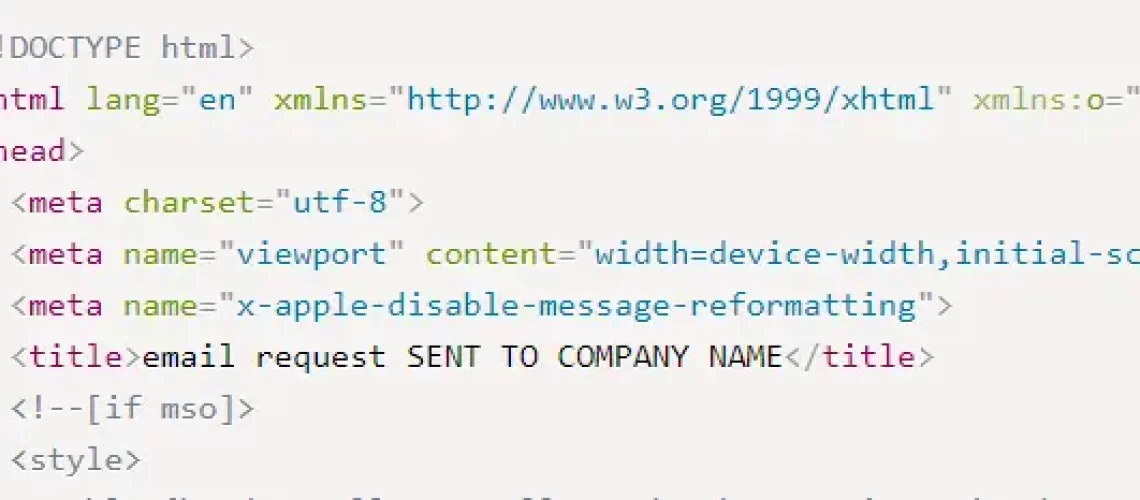
					<!DOCTYPE html>
<html lang="en" xmlns="http://www.w3.org/1999/xhtml" xmlns:o="urn:schemas-microsoft-com:office:office">
<head>

  <meta name="viewport" content="width=device-width,initial-scale=1">
  <meta name="x-apple-disable-message-reformatting">
  <title>email request SENT TO COMPANY NAME</title>
  <!--[if mso]>
  <style>
    table {border-collapse:collapse;border-spacing:0;border:none;margin:0;}
    div, td {padding:0;}
    div {margin:0 !important;}
  </style>
					            <tr>
              <td style="padding:40px 30px 30px 30px;text-align:center;font-size:24px;font-weight:bold;">
                <a href="THE WEBSITE URL" style="text-decoration:none;"><img decoding="async" src="https://websitesdesigned4u.com/wp-content/uploads/your_logo_here.webp" alt="Logo" width="200" height="180" /></a>
              </td>
            </tr>
					<td style="padding:30px;background-color:#ffffff;">
                <h1 style="margin-top:0;margin-bottom:16px;font-size:26px;line-height:32px;font-weight:bold;letter-spacing:-0.02em;">
				Website Enquiry</h1>
                <p style="margin:0;">Enquiry Sent to:[field id="enquirySubject"],</p>
				<p style="margin:0;">An enquiry has been sent from [field id="visitor_name"].</p>
				<p style="margin:0;"><em>Their contact details are:</em></p>
				<p style="margin:0;">email - [field id="email"].</p>
				<p style="margin:0;">phone - [field id="phone_number"].</p>
				<p style="margin:0;"><em>Their message is:</em></p>
				<p style="margin:0;">[field id="enquiry_message"]</p>

			</td>
Recent Comments